
Case 01
NORTH stays readable under a light sweep
A dark gray field holds the word NORTH. Soft light sweep moves across the mark, and the five letters stay in that spelling.
16:98sDark graySoft light sweepVeo 3.1 Fast
Uploaded Mark
Motion Target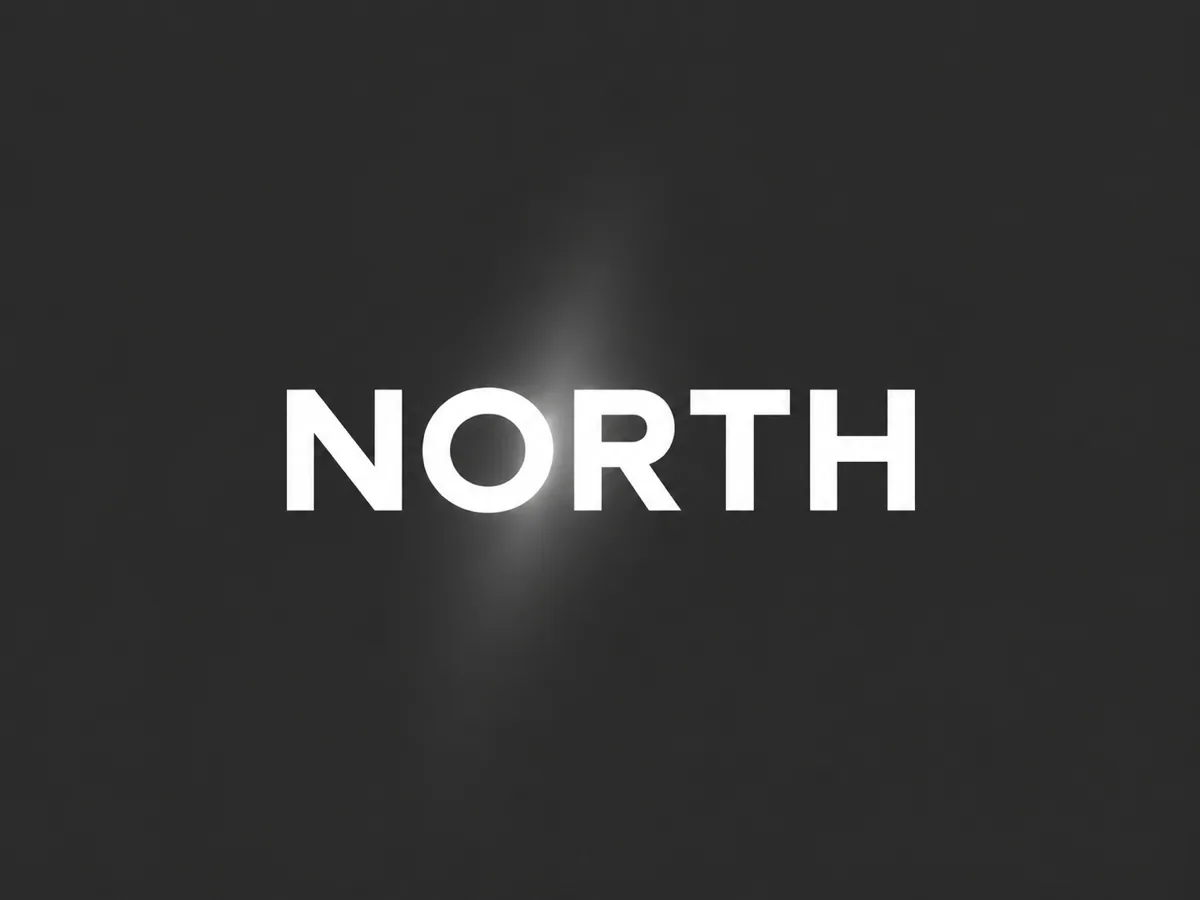
Animate an existing logo with a gentle reveal or light effect. Choose a background, review the lettering, and download an MP4 brand intro.
Each setup is a separate intro: its own logo, its own field, and its own motion. Use this setting copies that field, motion, and frame into the console. It fills the note only when the box is empty, and it does not generate.
A dark gray field holds the word NORTH. Soft light sweep moves across the mark, and the five letters stay in that spelling.
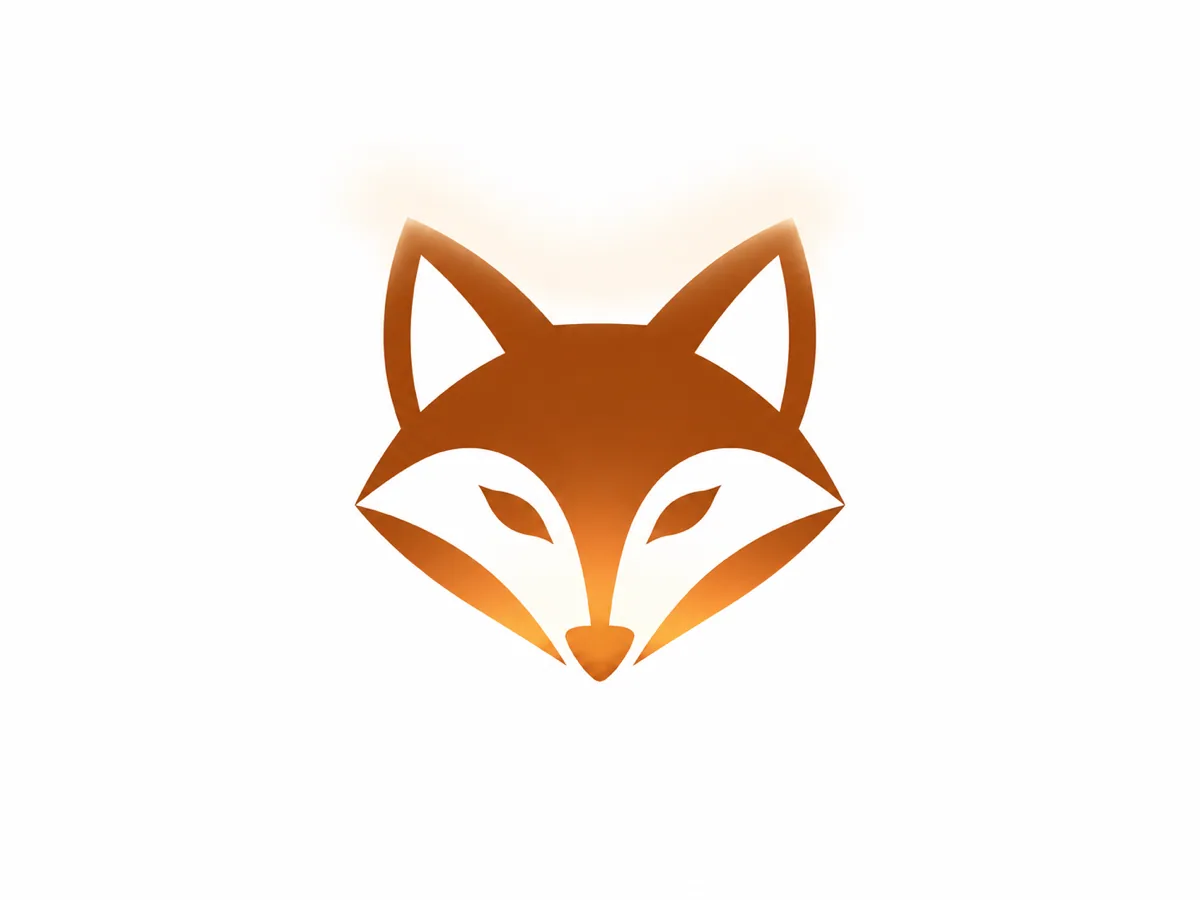
A geometric fox sits on white. Gentle reveal brings the mark forward, and the outline stays the same silhouette.
A round badge reads DAILY. Background particles drift on the dark gray field, and the badge lettering stays put.


AI logo animation turns a logo you already have into a short brand intro. A soft light can cross the mark, the mark can ease into view, or small particles can move in the field behind it. You then download an 8 second widescreen MP4.
The logo stays the subject. Read the letters at the start, the middle, and the end. This page uses the file you uploaded. It does not design a new logo, export an SVG, or return a transparent video.
Use it when the mark already exists and the intro should keep that spelling. If the job is a product package or a cartoon character, start from those pages instead.
Upload one logo, choose the field color, pick one motion, then read the letters before you download. The console on this page is where that happens.
Upload one JPG, PNG, or WebP logo, up to 20MB.
Choose Dark gray or White. A transparent PNG is shown on that color in the preview before a job starts. The logo itself is not redrawn.
Choose Soft light sweep, Gentle reveal, or Background particles. Write one note about what should stay readable.
Leave the frame at 16:9, or switch to 9:16. The length stays at 8 seconds on Veo 3.1 Fast. The Generate button shows the credit cost before a job starts.
Watch the clip here. Read the letters at the start, the middle, and the last frame.
Download the MP4 from this page. If you refresh, open My Creations and download the same task.
A useful note is one constraint. The word stays readable. The icon outline stays. The badge lettering stays still. A new name, a new icon, and a melted outline in the same note asks for a different logo. Use this setting, under each case, fills an empty note and sets the background, the motion, and the frame. It does not replace a note you already wrote, it does not remove the uploaded logo, and it does not generate.
A file that is not a JPG, PNG, or WebP, or that is over 20MB, is stopped before a charge. A second file is not accepted. Changing the background, the motion, the note, or the frame does not spend credits and does not remove the last download. The next Generate is a new job.
Use this page when one existing logo should get a short intro and the lettering has to stay recognizable. The other starts win when the subject is a drawn character, a product, or a photo that is not a logo.
You already have a logo. Dark gray or White is set before the job, then Soft light sweep, Gentle reveal, or Background particles stays around that mark. The letters you uploaded are the letters you check. You download the widescreen intro here. You do not ask this page to invent a new name, redraw the icon, or hand back a transparent video.
Animation generator turns artwork or a written idea into cartoon, clay, or paper-cut motion. A logo intro here starts from the mark you already use, so the spelling can be checked against that file.
Animate artworkProduct video is a camera move around packaging. This page is the better start when the file is a wordmark or an icon and the lettering has to stay recognizable.
Animate a productA portrait, a place, or a product needs a general move. This page is the better start when the picture is already a logo and the letters have to stay readable.
Animate a photoPlay the whole eight seconds. The word should still spell what you uploaded, and the icon outline should still close where it closed. Thin strokes, small type, and a transparent edge are the hard case: a new letter, a missing stroke, or a contour that melts means the picture or the note was doing too much.
Use a larger, clearer logo or shorten the note to one constraint, then generate again. That click is a new charge. Switching the background, the motion, or the frame before you click does not start the job and does not clear the uploaded logo. A generated clip can still move a highlight between renders. Watch the opening, the middle, and the last frame before you download.
The logo file, the background and motion, a thin letter, and where the download goes.