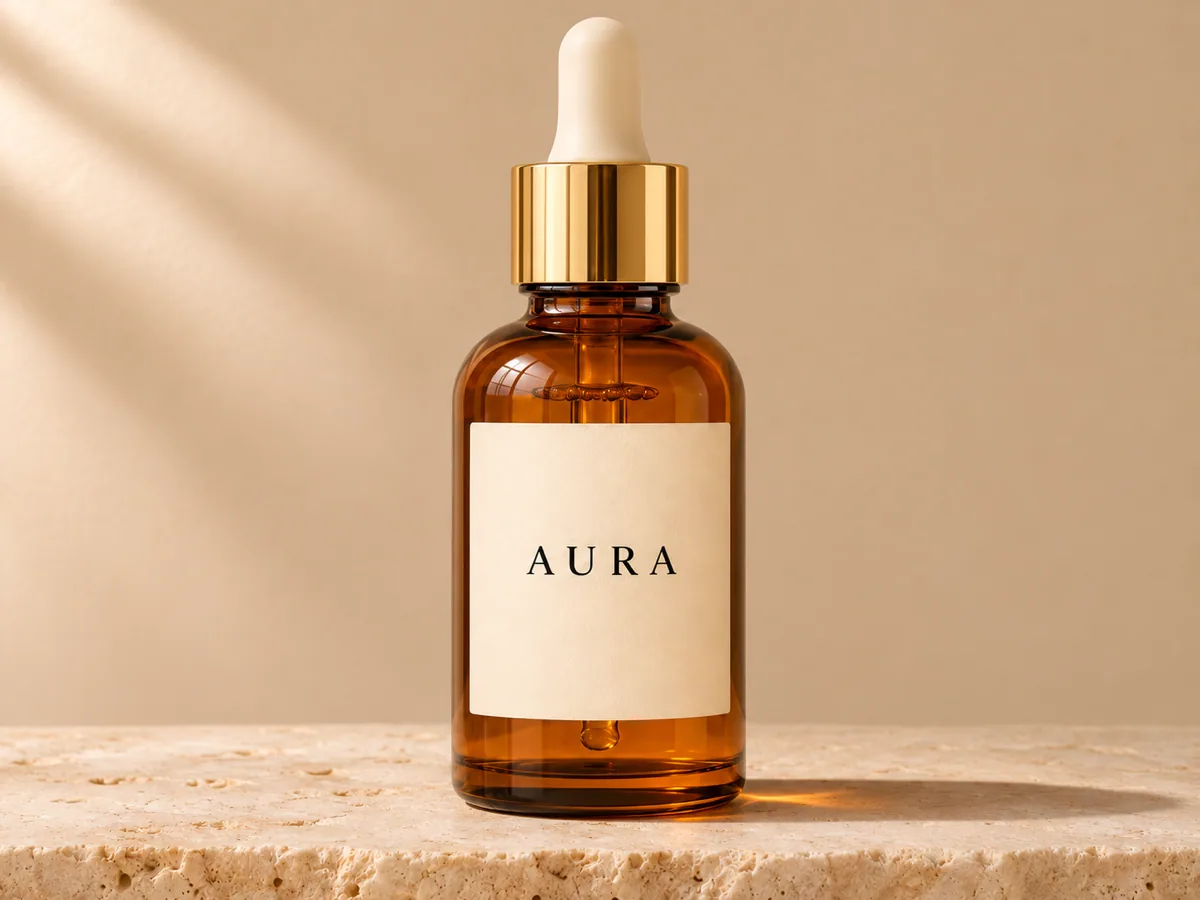
Amber serum bottle, label toward the lens
One packshot of an amber serum bottle. Slow push-in in a wide frame, with the AURA label kept square to the camera. Check the cap, the glass shoulder, and the word on the label.


Turn a product photo into a short showcase video. Choose a camera move, review packaging details, and download a vertical or widescreen clip.
Each setup is a separate shot: its own packshot, its own move, and its own frame. Use this setting copies that move and ratio into the console. It leaves an action you already wrote untouched, and it does not generate.
One packshot of an amber serum bottle. Slow push-in in a wide frame, with the AURA label kept square to the camera. Check the cap, the glass shoulder, and the word on the label.


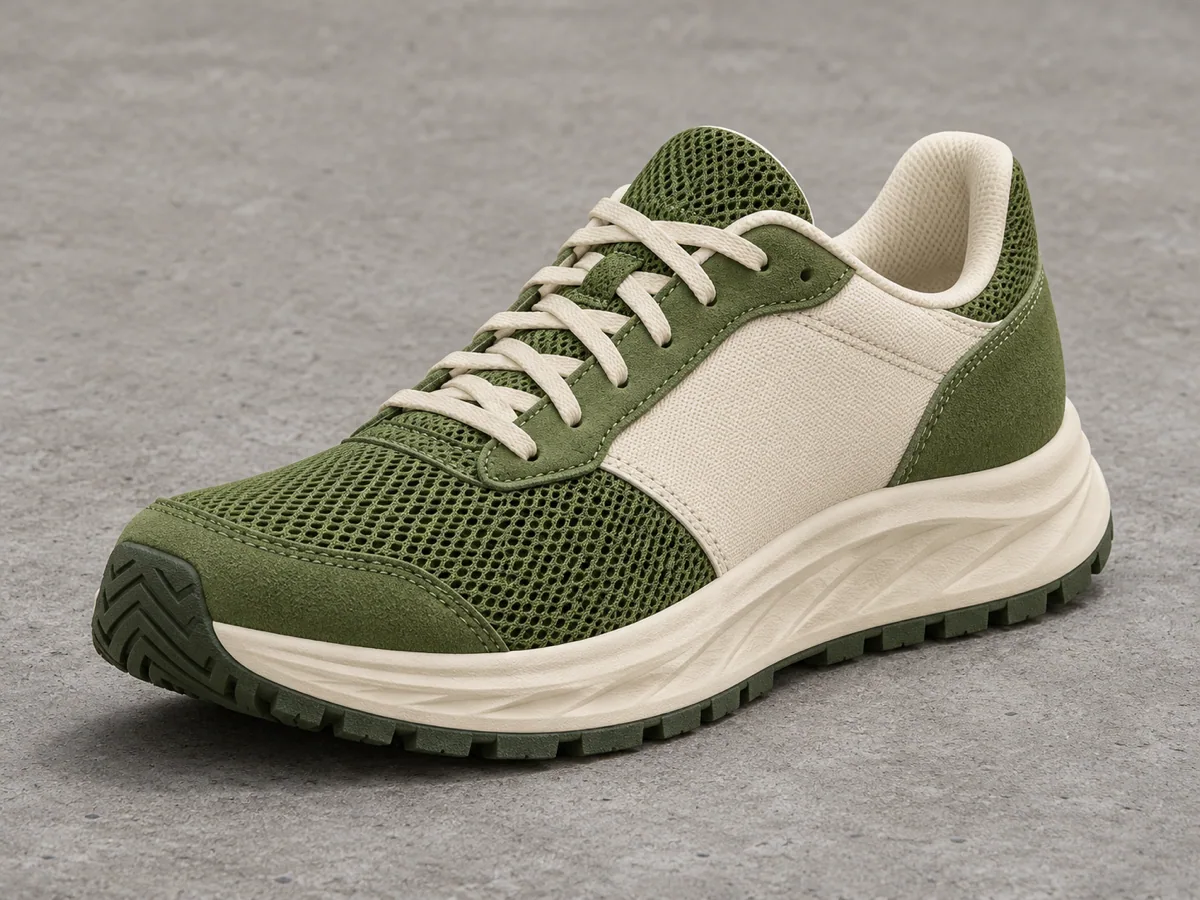
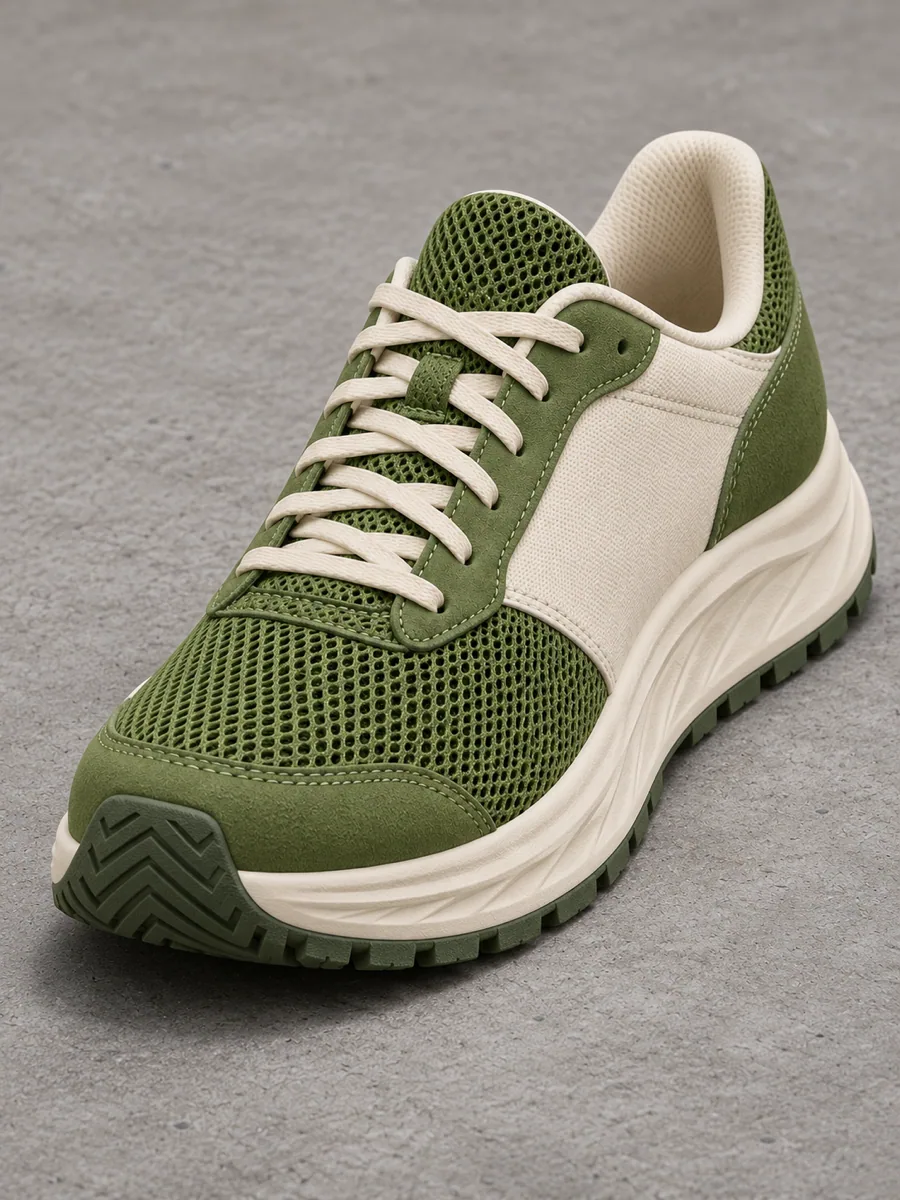
One photo of a moss and cream runner. A quarter orbit in a vertical frame. The sole texture and the two-color upper should still read as the same shoe.


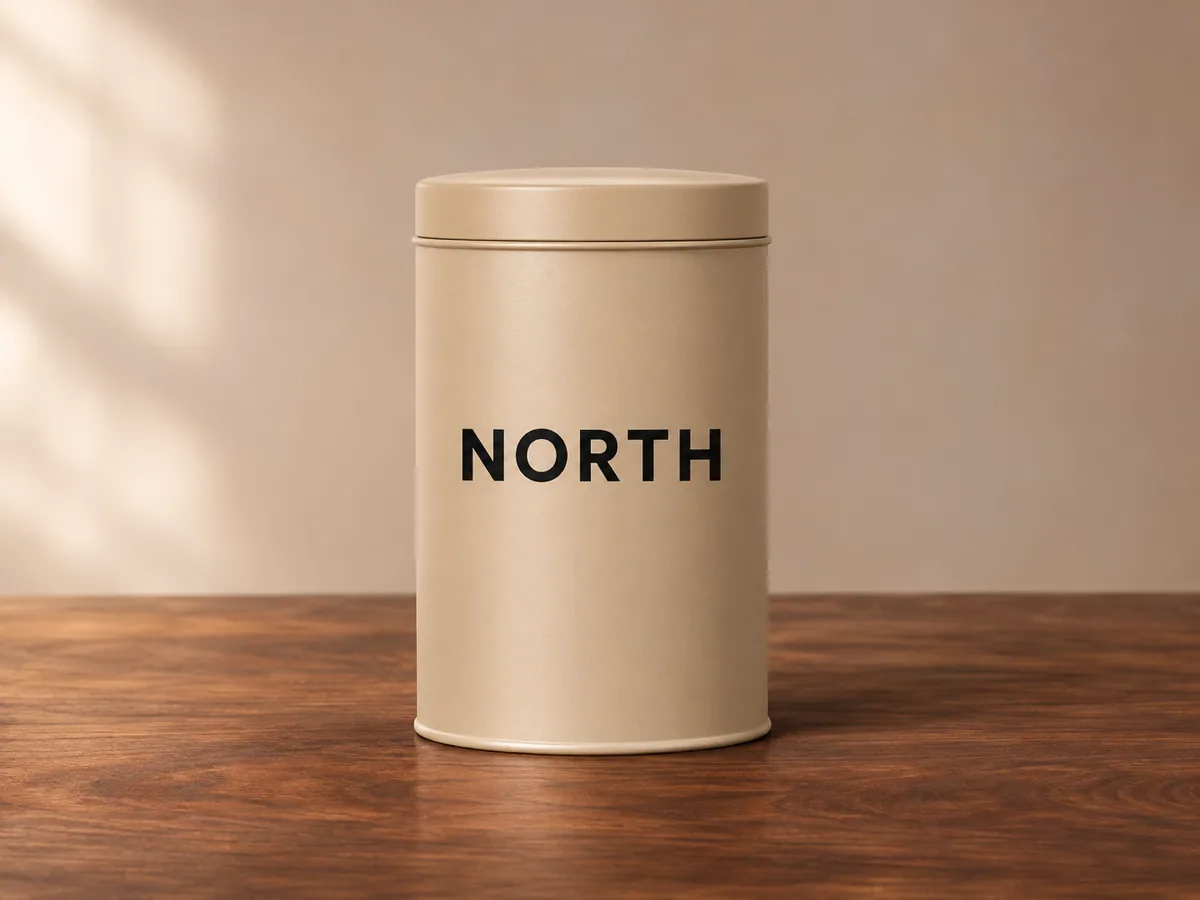
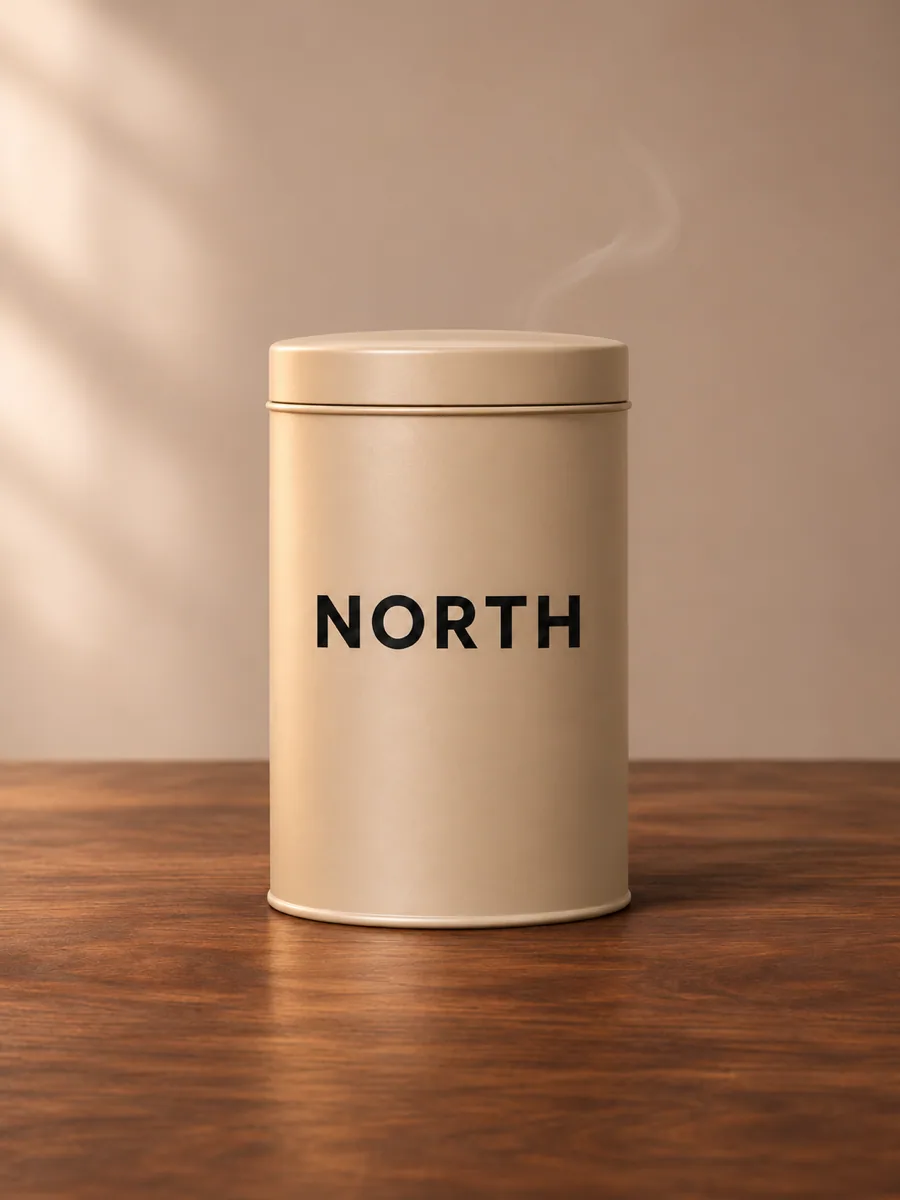
One photo of a sand-colored coffee tin. Light sweep in a vertical frame. Steam and the highlight may move. The tin body and the NORTH wordmark should stay put.


An AI product video generator turns one product photo into a short showcase clip. The bottle, shoe, or tin in the photograph stays the subject. You choose one camera move, review the packaging, and download a vertical clip for a social ad or a widescreen clip for a product page.
The result is one shot, about eight seconds. It is not a finished commercial, a voiceover, or a captioned edit, and it does not stamp a logo on top of the frame. The value is the move: a push toward the label, a short orbit around the sole, or a light sweep while the tin stays still.
Bring a clear packshot. Busy backgrounds, clipped caps, and tiny type at the edge of the frame give the model less to protect. Leave margin around the product so a push-in or an orbit has room to travel.
Upload the packshot, pick one move, check the frame and the credit cost, generate, then inspect the packaging before you download. The console on this page is where that happens.
Upload one clear product photo. JPG, PNG, or WebP. Keep the label, the edges, and some empty space in the frame.
Choose Slow push-in, Quarter orbit, or Light sweep. Then write the product action: what should stay recognizable, and what may move.
Set 9:16 or 16:9. The length stays at 8 seconds on Veo 3.1 Fast. The Generate button shows the credit cost before a job starts.
Watch the clip here. Check the label, the cap, and the silhouette at the start, the middle, and the end.
Download the MP4 from this page. If you refresh, open My Creations and download the same task.
Slow push-in, Quarter orbit, and Light sweep are the three moves on this page. Pick one. Your action text stays editable. Changing the move or the ratio updates the next clip only. It does not generate, and it leaves the previous download in place.
Use this setting, under each case, applies that case’s move and frame. It fills the action only when the box is empty. It never starts a generation. If you already wrote an action, that text stays.
Use this page when the product already exists in one photograph and the job is a single camera move. The other starts fit a blank idea, a subject split across pictures, or a shot you have already framed twice.
You already have the SKU. One packshot stays the product. You pick Slow push-in, Quarter orbit, or Light sweep, keep the same photo while you try 9:16 and 16:9, and check the cap, the edges, and the label before you download.
You describe a bottle and the model invents one. Useful for a concept that does not exist yet. Weak when the glass color, the cap, and the label already live in a photograph.
Start from textBest when a person, a garment, and a place come from different files. A single product photo does not need that split, and extra pictures can argue with the packshot.
Guide a subject with referencesYou already shot the opening and the closing look. The model fills the time between them. A product page usually has one packshot and one camera move, not two finished frames.
Bridge two framesA reflective bottle with small type is the strict test. Play the whole clip. The brand word should not change spelling, the cap should not vanish, and the glass or carton should not warp. A highlight may travel. The product should not.
On a shoe, check the sole texture and the color split after the orbit. On a tin, steam and light can drift, while the body and the wordmark stay. If type wobbles, use a slower move, face the label to the lens, and start from a larger, sharper label. Then generate again. That new click is a separate charge.
The photo, the camera move, a failed read of the packaging, and where the download goes.