
Happy Horse 2 Showcases: Stills to Animate Into Video
Happy Horse 2 gallery of sample stills: apparel ads, labeled explainers, character scenes and packshots, each a strong first frame for an AI video clip.
Sample Stills Worth Putting in Motion
These are still images from image models, not rendered clips. Each one shows the kind of clean, well-lit frame that gives a video engine something solid to animate.
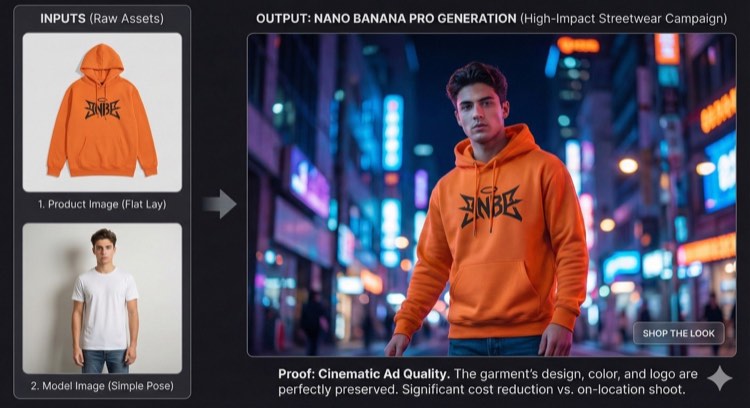
Flat Lay to Night-Street Ad
A hoodie photo and a plain model shot merged into one neon city frame
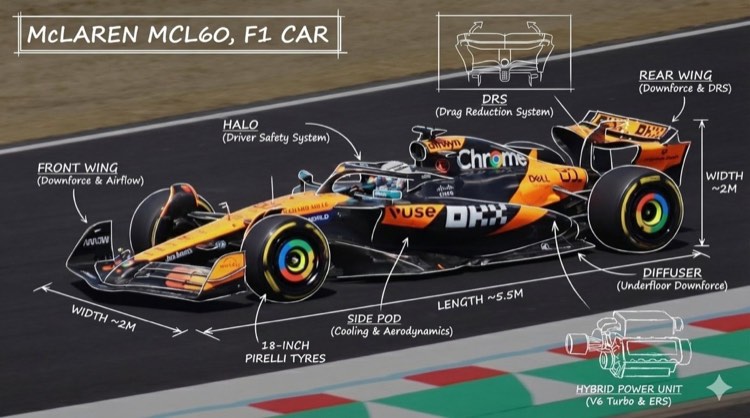
Race Car With Callouts
A side-on car render labeled with hand-drawn part notes and dimensions
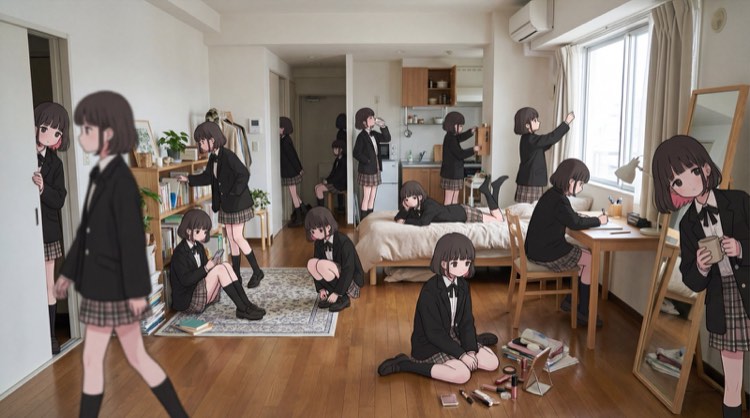
One Character, Many Poses
The same schoolgirl figure repeated across a sunlit apartment
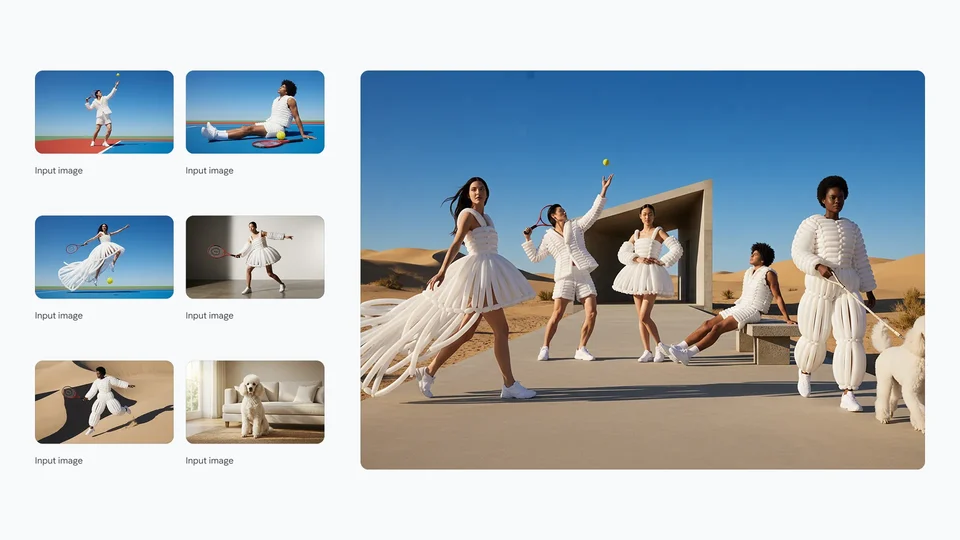
Input Photos to Group Shoot
Six reference photos pulled into a single desert fashion scene
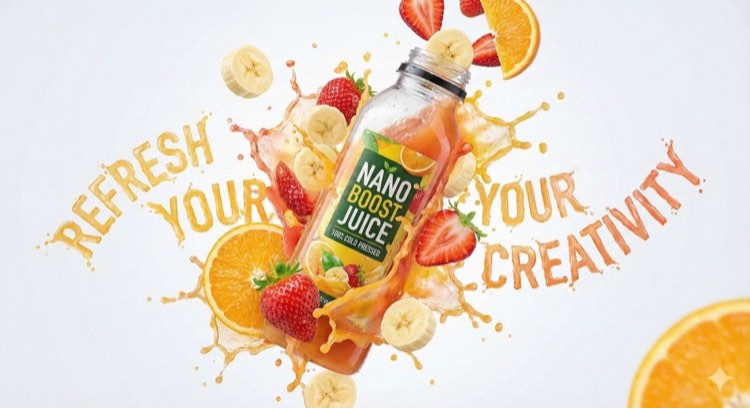
Juice Bottle Splash
A bottle mid-air with fruit, liquid and bold headline lettering
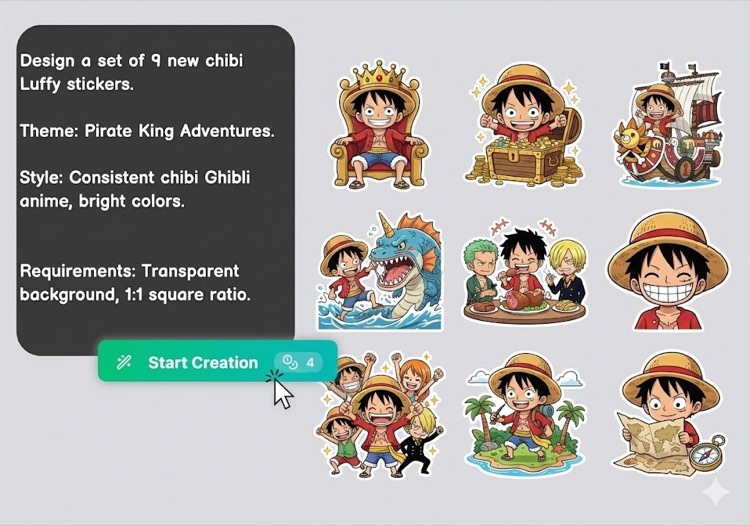
Sticker Sheet From One Prompt
Nine chibi-style stickers generated from a single written brief
Turning a gallery still into a Happy Horse 2 clip
A good happy horse ai image to video result starts with the source frame. Study what each sample gets right, recreate that setup with your own image, then write a short motion prompt: one camera move, one subject action, and the framing you need for the platform.