
Case 01
A cartoon fox waves once
Start from the fox drawing. Cartoon style asks for one wave and keeps the outline and colors you already drew.
ArtworkCartoon16:98sVeo 3.1 Fast
Artwork Input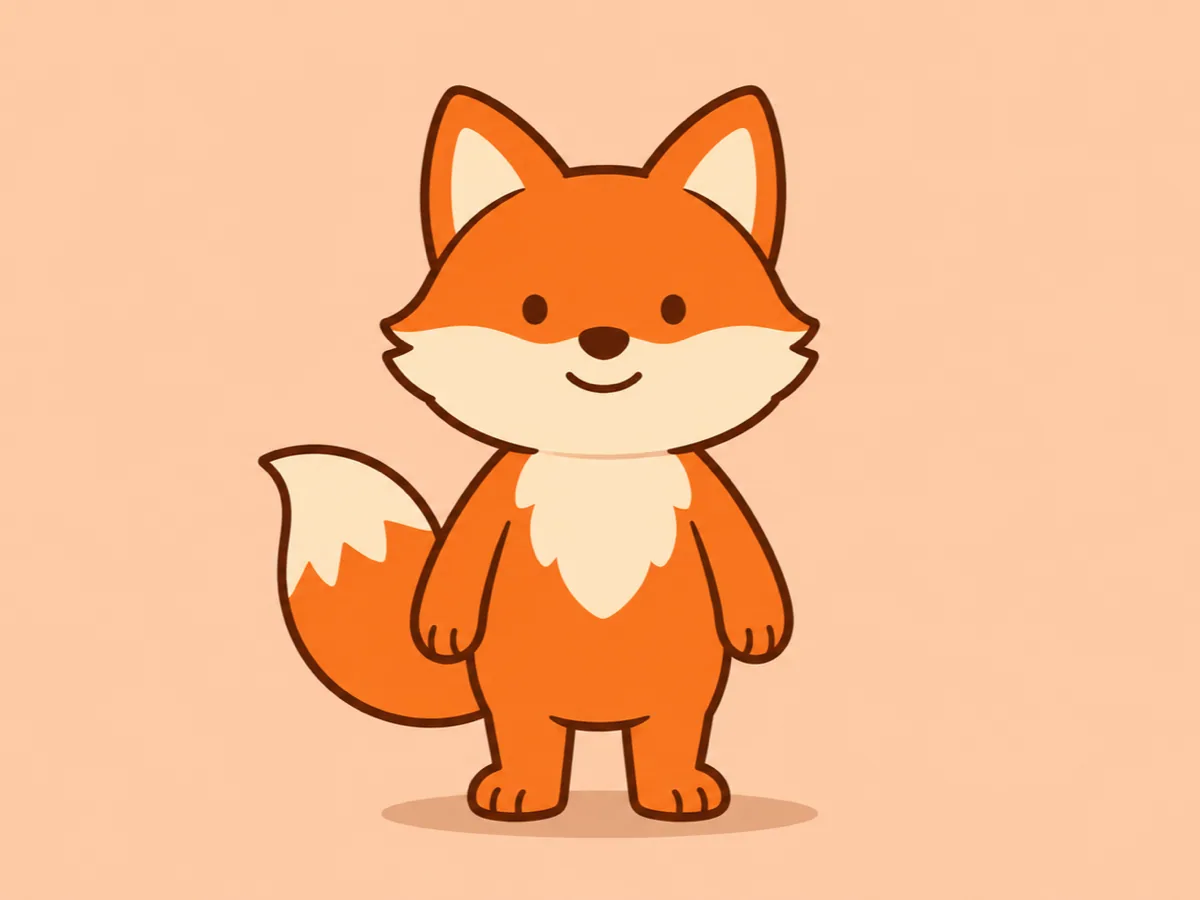
Style Target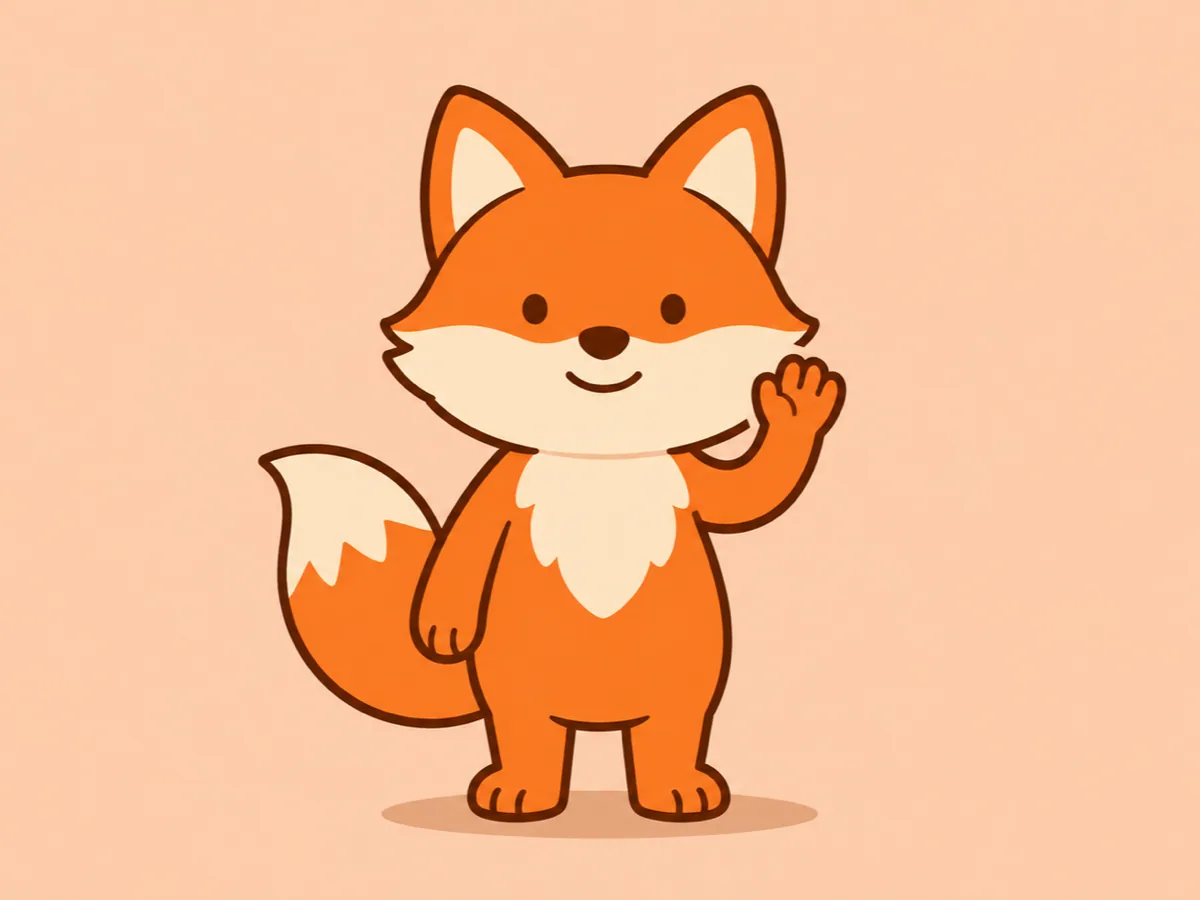
Animate original artwork or a written idea in cartoon, clay or paper-cut styles. Choose a simple action and create a short animation online.
These static illustrations show the intended look, not frames from generated MP4s. Each setup has its own input, its own style, and its own frame. Use this setting copies that style, input, and frame into the console. It fills the action only when the box is empty, and it does not generate.
Start from the fox drawing. Cartoon style asks for one wave and keeps the outline and colors you already drew.
The ocean is already cut from paper. Paper-cut style lifts the whale once and keeps the paper edges and the layers.
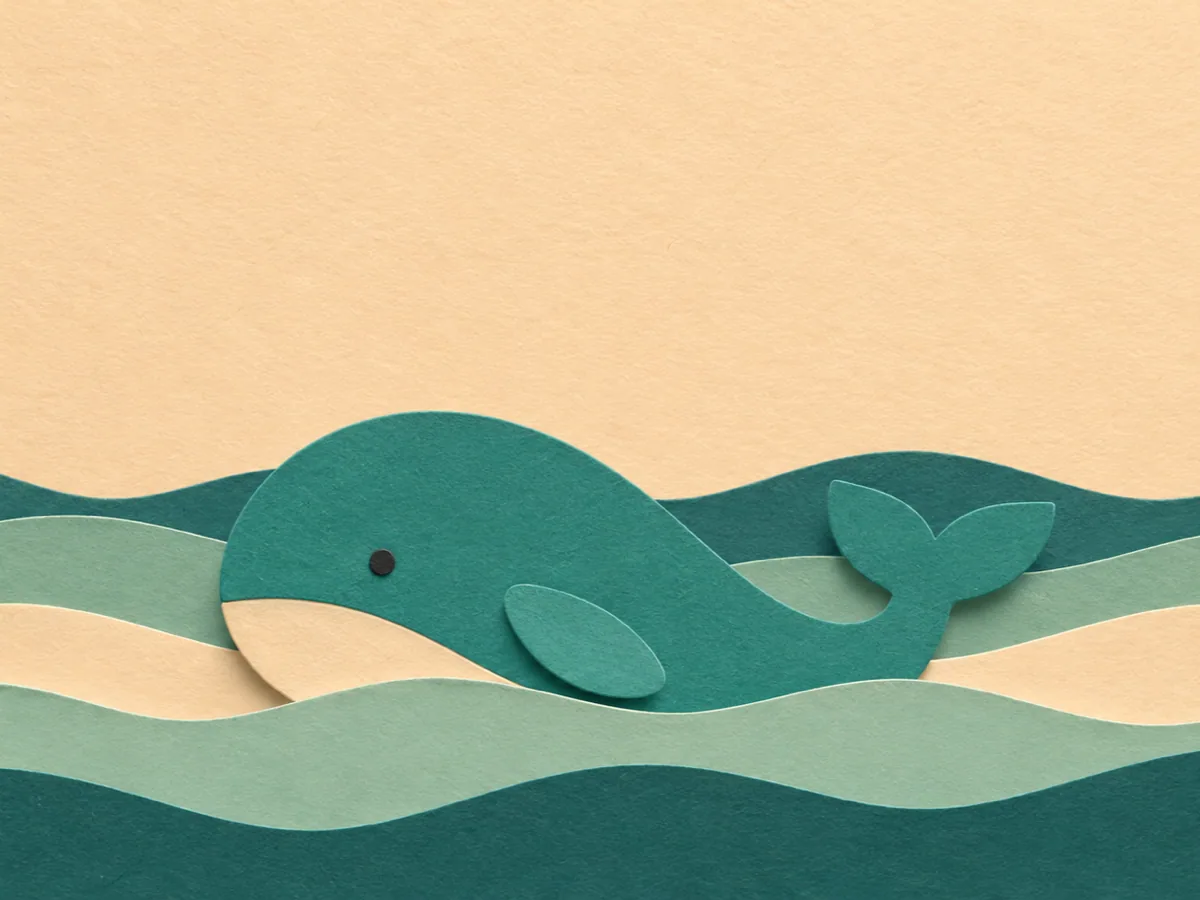
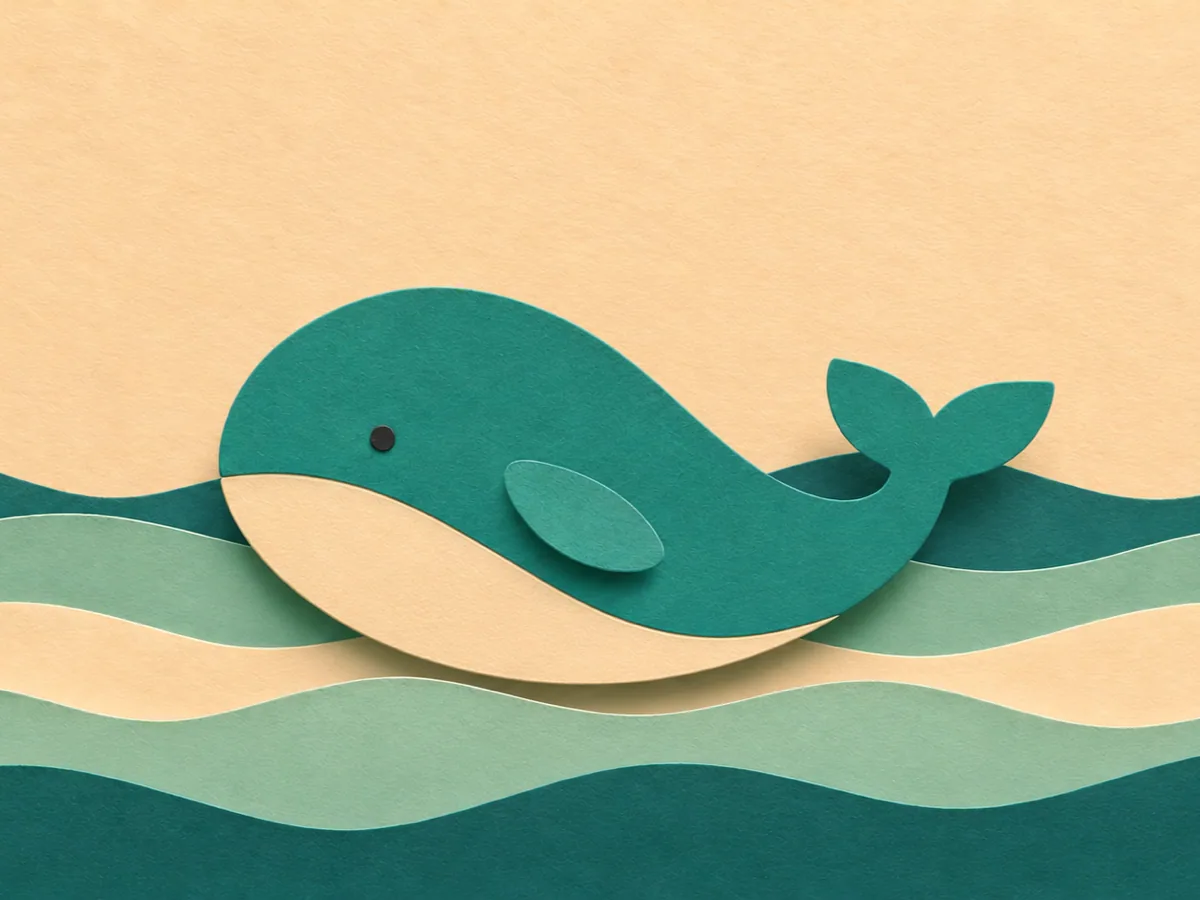
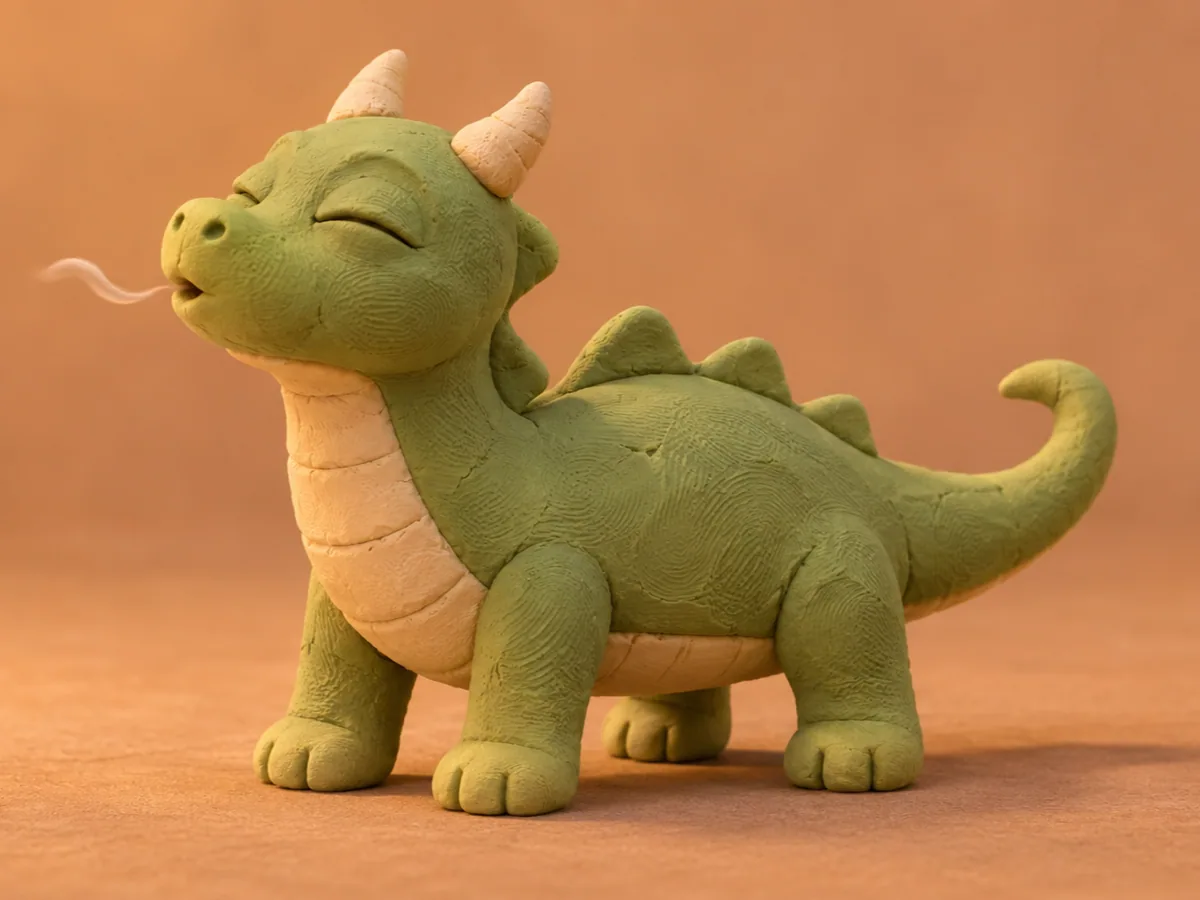
No drawing yet. Text plus Clay describes one small dragon, one blink, and one breath, and asks the handmade texture to stay.
A small clay dragon blinks once and breathes. Keep the handmade texture.
An AI animation generator turns original artwork, or a written character idea, into one short stylized shot. You pick Cartoon, Clay, or Paper-cut, describe one action, and download an 8 second clip.
That is a wave, a blink, a paper whale rising through its layers. It is not a rigged puppet, a keyframe timeline, an automatic story, or a finished episode. The look comes from the style and from the drawing or the sentence you supply.
Use Artwork when the character already exists as an illustration and the outline should lead the shot. Use Text when you are still inventing the character and you want that same cartoon, clay, or paper-cut treatment.
Choose the input, choose the look, write one action, then watch the character before you download. The console on this page is where that happens.
Choose Artwork or Text. Artwork needs one JPG, PNG, or WebP illustration, up to 20MB. Text uses the sentence only.
Choose Cartoon, Clay, or Paper-cut. Write one action, and name what should stay: the outline, the palette, or a small accessory.
Choose 16:9 or 9:16. The length stays at 8 seconds on Veo 3.1 Fast. The Generate button shows the credit cost before a job starts.
Watch the clip here. Check the face, the hands, and the accessories at the start, the middle, and the end.
Download the MP4 from this page. If you refresh, open My Creations and download the same task.
A useful action is one move. A wave, a blink, or a rise. A run, a jump, and a costume change in the same sentence asks for three shots. Use this setting, under each case, fills an empty action and sets the style, the input, and the frame. It does not replace an action you already wrote, and it does not generate.
Text does not send an illustration that is still sitting on the page. Switch back to Artwork when that file should lead the shot. A damaged file, the wrong type, or a file over 20MB is stopped before a charge. Changing the style, the input, or the frame does not spend credits and does not remove the last download. The next Generate is a new job.
Use this page when the job is a cartoon, clay, or paper-cut motion from a drawing or from a sentence. The other starts win when you have no style to protect, a photograph that must stay a photograph, or several pictures that have to agree.
You have an original drawing, or only a character idea, and you want one short motion in a cartoon, clay, or paper-cut look. Upload the art or write the action, pick the look, and download the 8 second clip here.
The shot is a place, a walk, or a camera move, and the style can be invented with the sentence. This page is the better start when the look has to read as cartoon, clay, or paper-cut.
Write a sceneA real face, a room, or a product is already in the file. Motion should inherit that photo. An animation style will redraw it as a character instead of keeping the photograph.
Animate a photoThe character, the clothing, and the place are different files. One illustration, or one sentence, cannot point at all of them. Reference to video can.
Guide a subject with referencesPlay the whole eight seconds. The character should still be the character at the end, and the action you asked for should happen once. Fine lines and small pieces are the hard part: a face that changes, extra fingers, or an accessory that disappears into the background means the drawing or the sentence was doing too much.
Simplify the artwork or shorten the action to one move, then generate again. That click is a new charge. Switching Cartoon, Clay, Paper-cut, Artwork, Text, or the frame before you click does not start the job. A styled shot can still move a line between renders. Watch the opening, the middle, and the end before you download.
The drawing, the sentence, the three looks, a crowded character, and where the download goes.