
Case 01
Two adult relatives share a front hug
Two adults already stand together, shoulders in view. Gentle hug brings them into a front embrace without merging their faces.
16:98sGentle hugVeo 3.1 Fast
Source Photo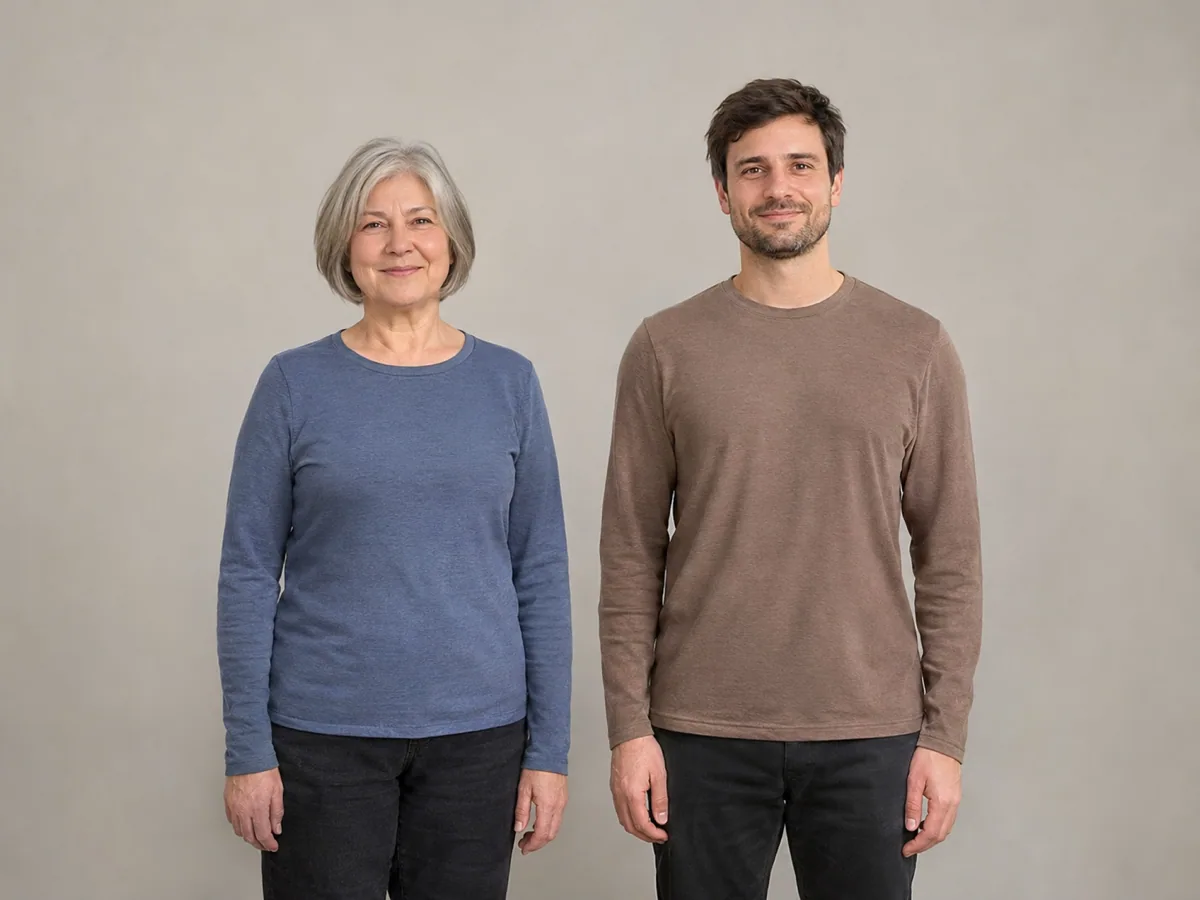
Target Frame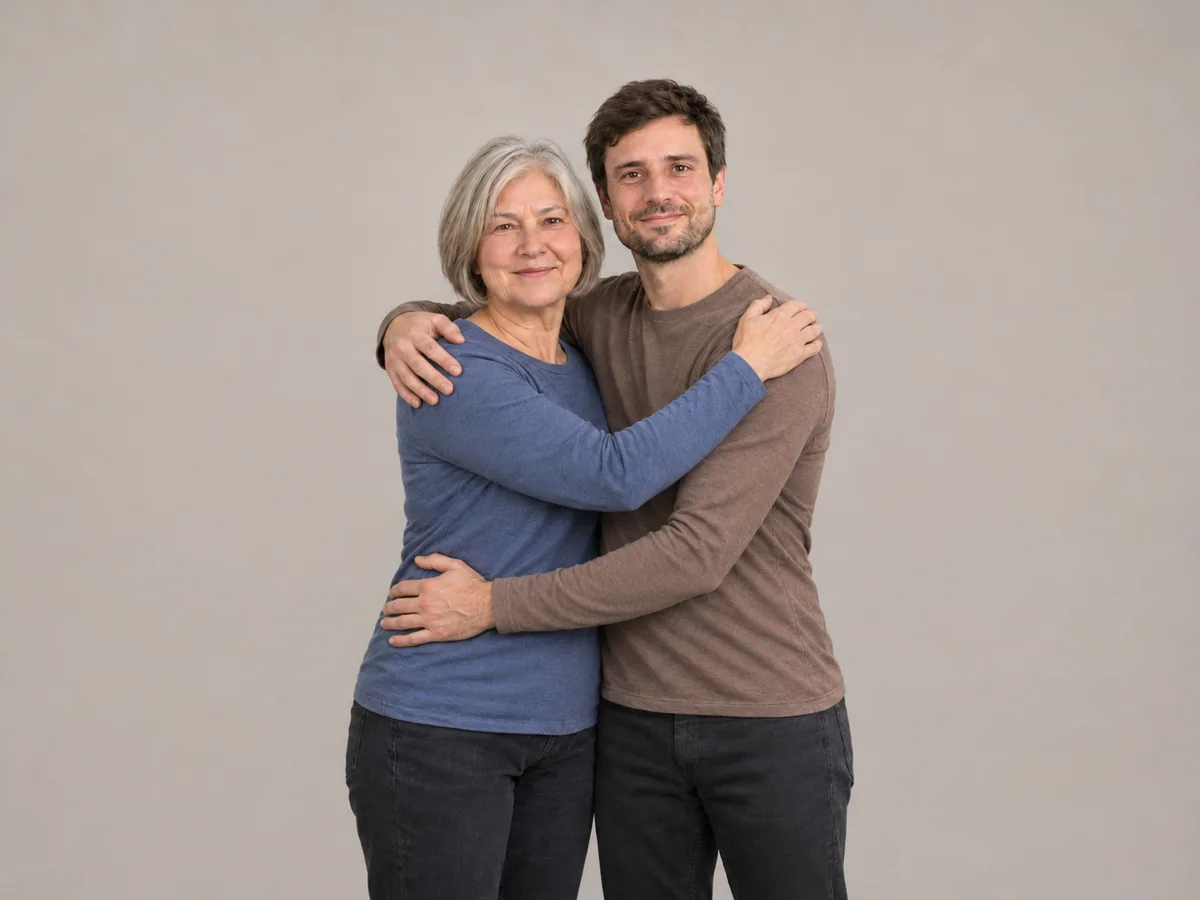
Turn a two-person photo into a gentle hug video. Choose a hug style, review the movement, and download your short clip with Happy Horse 2.
Each setup is a separate shot: its own photo of two people, its own hug, and its own frame. Use this setting copies that hug and frame into the console. It fills the note only when the box is empty, and it does not generate.
Two adults already stand together, shoulders in view. Gentle hug brings them into a front embrace without merging their faces.
Two friends stand shoulder to shoulder. Side hug puts one arm around the other person and leaves both faces readable.
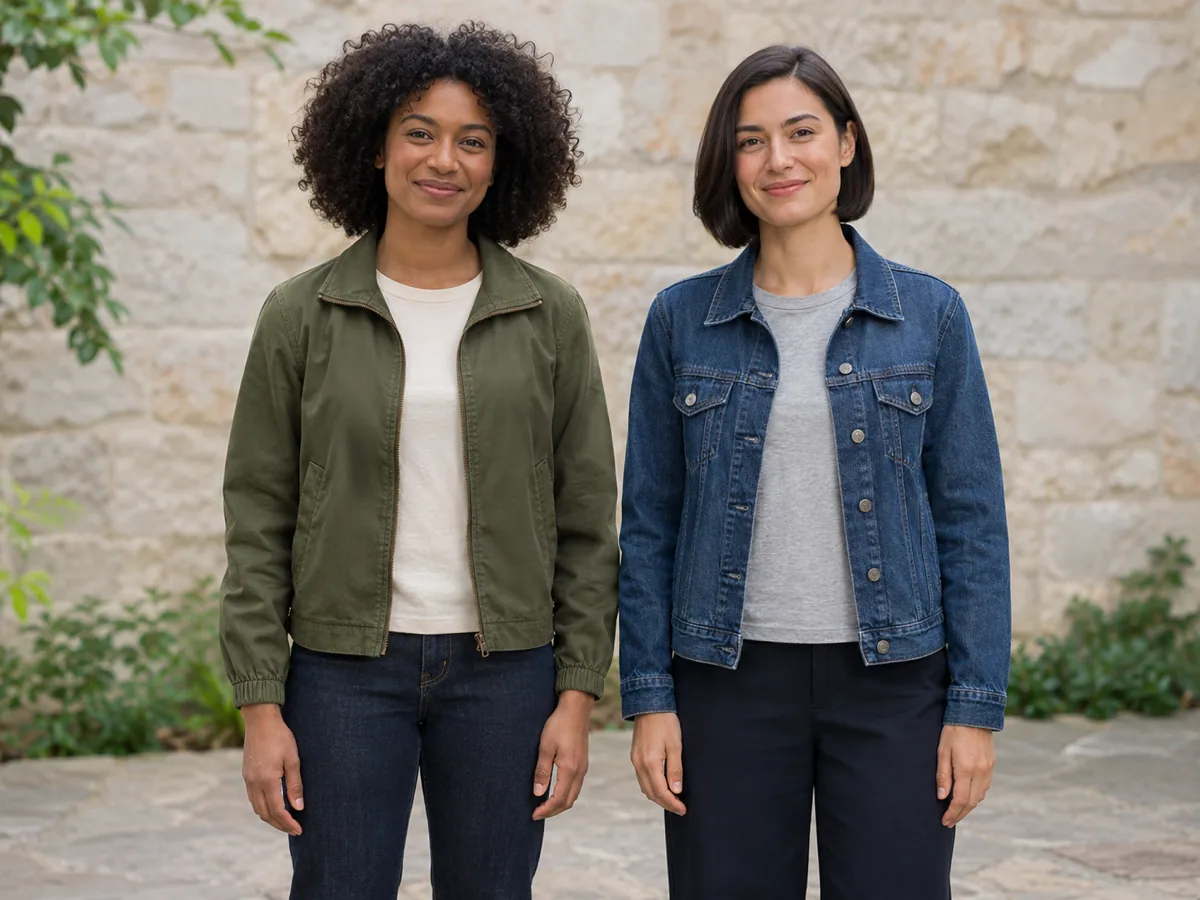
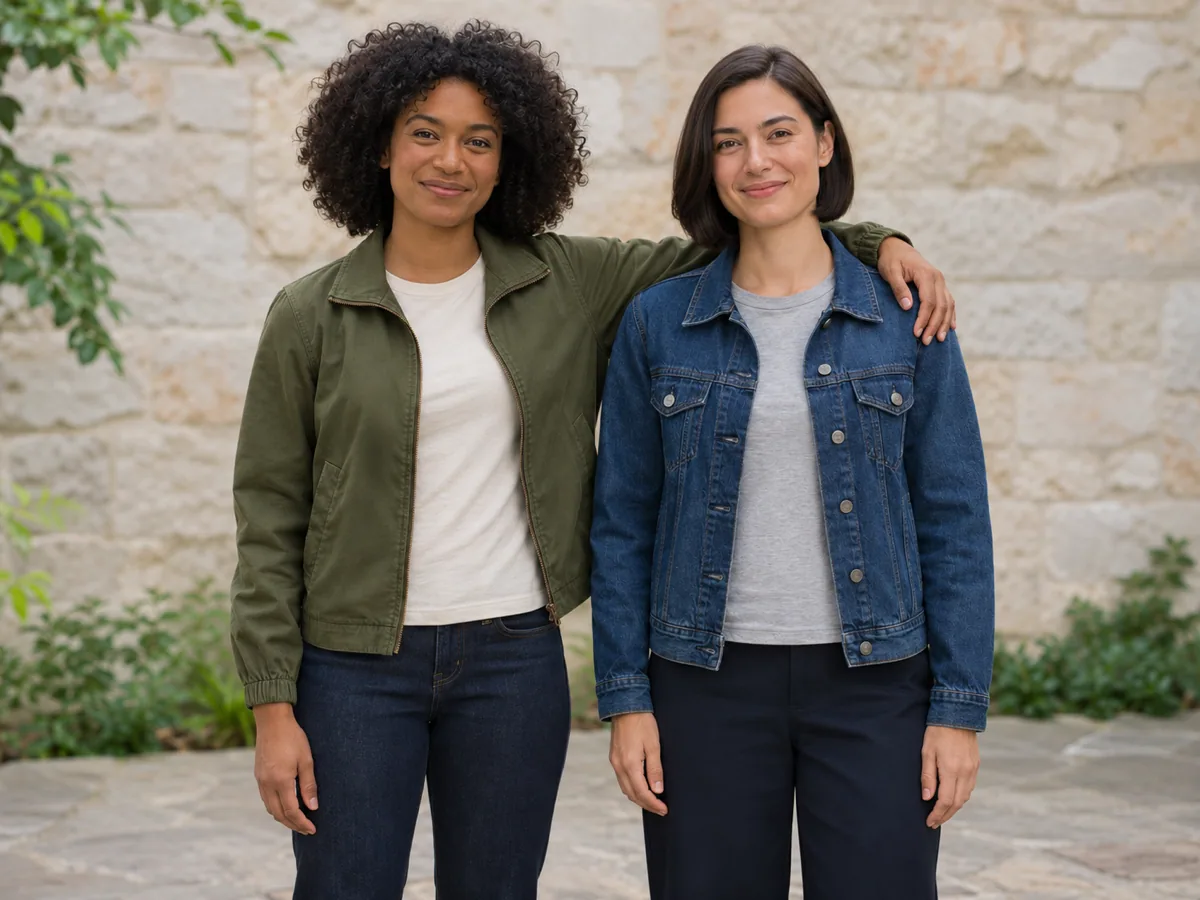
Two adults already stand close in a room. Gentle hug moves them only a little nearer, and the background stays the one in the photo.
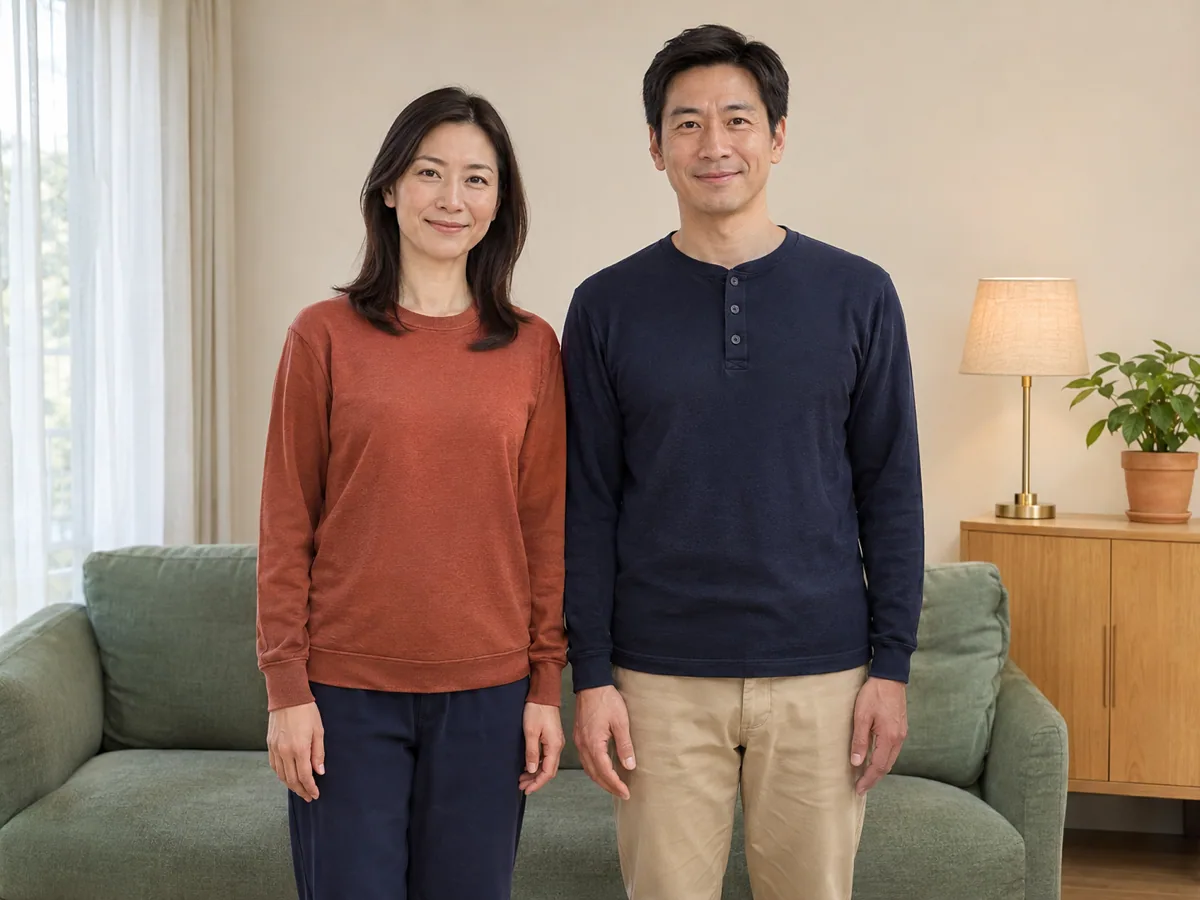
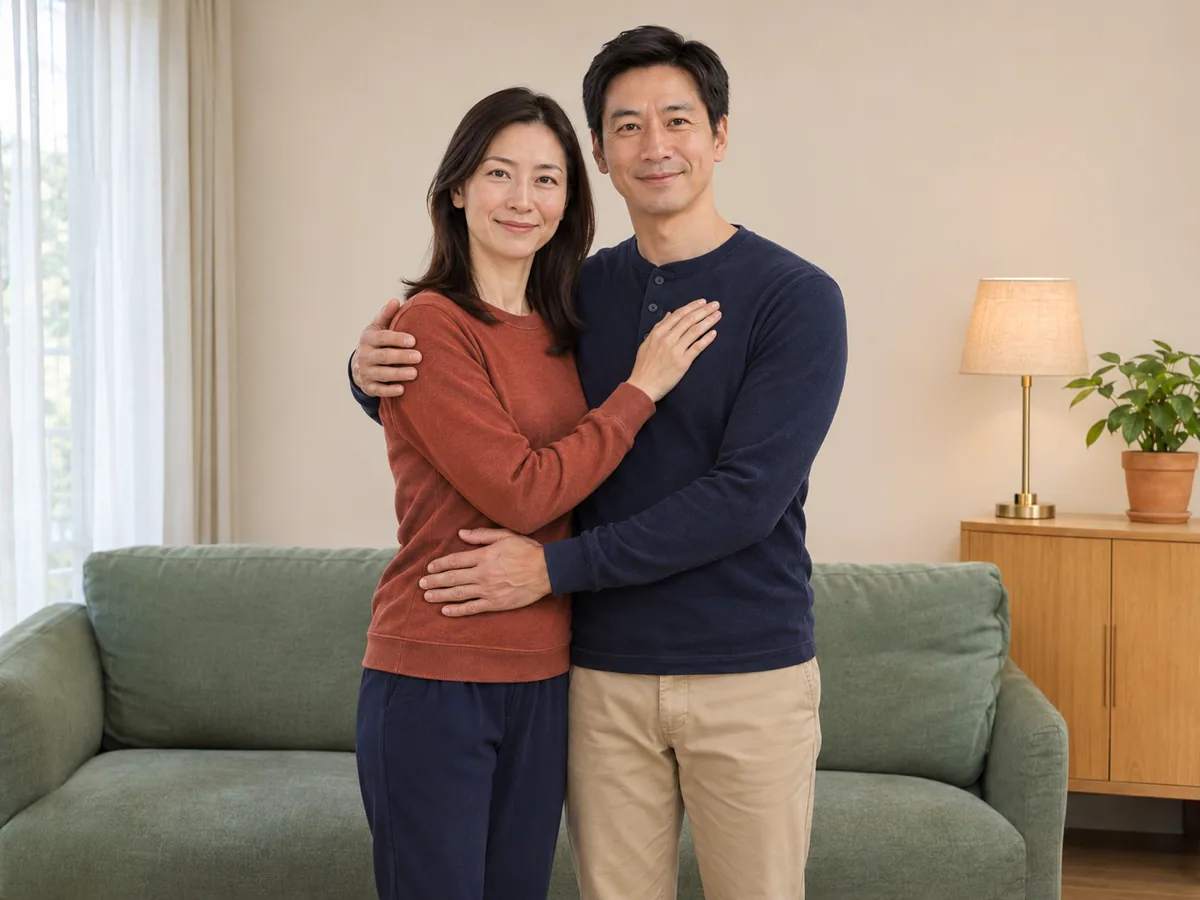
An AI hug video turns one photo of two people into a short, gentle hug. You choose Gentle hug or Side hug, add a note about the shoulders, and download an 8 second clip.
The camera stays fixed. Both faces, the clothing, and the original background are what you check. This is one continuous shot from the photo you uploaded. It is not two portraits joined together, a replaced face, or a clip set to a song.
Use it when two adults are already in the same frame and you can see their shoulders. If the picture is one person who should dance, or several references for a new scene, start from those pages instead.
Upload the photo of both people, pick one hug, keep the camera fixed, then watch both faces and the arms before you download. The console on this page is where that happens.
Upload one JPG, PNG, or WebP photo, up to 20MB. Both people and their shoulders should already be in the picture.
Choose Gentle hug or Side hug. Write one note about what should stay: the shoulders, the side contact, or the background.
Leave the frame at 16:9, or switch to 9:16. The length stays at 8 seconds on Veo 3.1 Fast. The Generate button shows the credit cost before a job starts.
Watch the clip here. Check both faces, the hands, and where the arms meet at the start, the middle, and the end.
Download the MP4 from this page. If you refresh, open My Creations and download the same task.
A useful note is one constraint. Shoulders stay in frame. The side contact stays at the shoulders. The background stays still. A new room, a costume change, and a second hug in the same note asks for three shots. Use this setting, under each case, fills an empty note and sets the hug and the frame. It does not replace a note you already wrote, and it does not generate.
A file that is not a JPG, PNG, or WebP, or that is over 20MB, is stopped before a charge. A second photo is not accepted. Changing the hug, the note, or the frame does not spend credits and does not remove the last download. The next Generate is a new job.
Use this page when one photo already shows two people and you want a gentle hug you can review before you download. The other starts win when the photo is one subject, the scene needs several references, or the motion is a dance.
You already have one photo of two people. Gentle hug or Side hug, a fixed camera, both faces stay distinct, and the background stays the one in the photo. You download the clip here. You do not upload a second portrait, a song, or a face to swap.
A portrait, a product, or a place needs a camera move or a small action. This page is the better start when two people are already together and the action is a hug you can review.
Animate a photoReference to video takes up to three pictures to guide a subject and a scene. A hug here starts from the single photo where both people already stand, so the contact can match the faces you uploaded.
Start from referencesDance is one person and an original move, with the feet kept in frame. A hug is two people and a short contact. Use the dance page when nobody is embracing.
Make a photo dancePlay the whole eight seconds. Both faces should still match the photo at the end, the hug you chose should be readable, and the background should still be the one in the picture. A large height gap and an arm that hides the other person are the hard case: a merged face, an extra hand, or arms that cross through a body means the picture or the note was doing too much.
Show both shoulders, uncross the arms, or shorten the note to one constraint, then generate again. That click is a new charge. Switching the hug or the frame before you click does not start the job. A generated hug can still move a hand between renders. Watch the opening, the middle, and the end before you download.
The two-person photo, the two hugs, a crowded pose, and where the download goes.